
Start Seeing What 90% of Designers Miss
Get the exact Figma files, annotations, and logic used to redesign the world’s biggest brands.

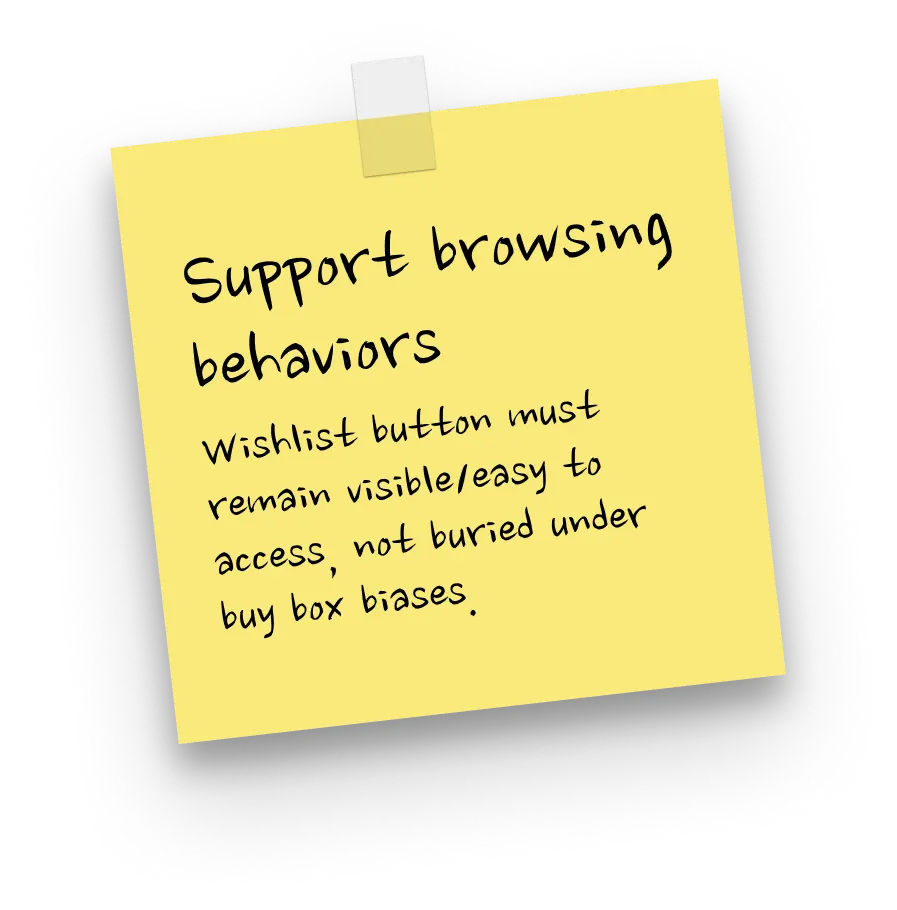

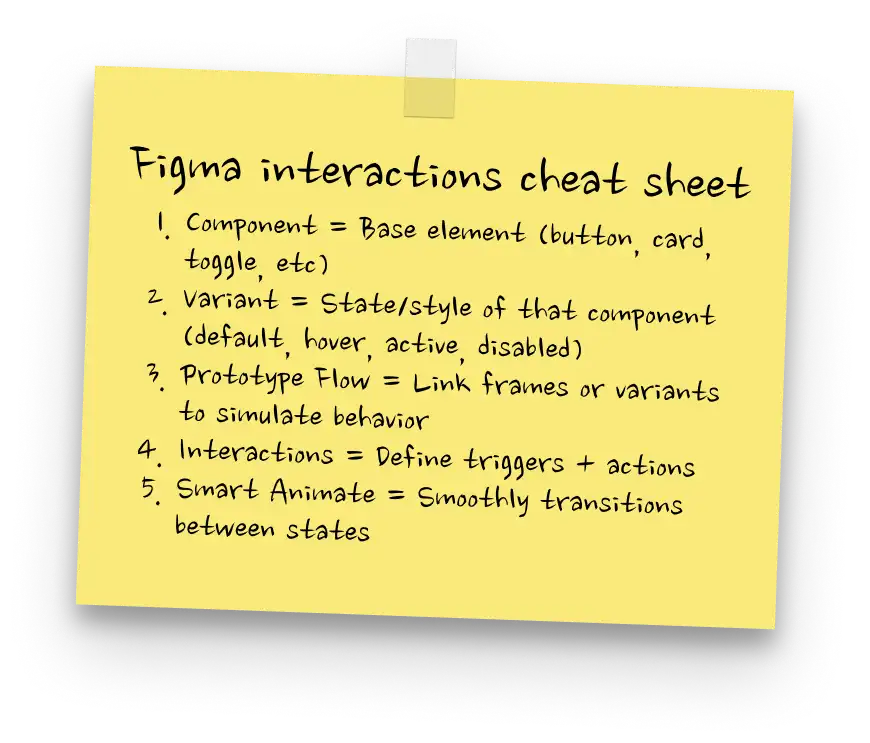
.webp)

You can make it look good, but...
... can you explain why it’s good?
You can design.
Your layouts look fine.
But fine isn’t the same as sharp.
Internally, there’s hesitation.
Before adjusting a layout, you pause. Before defending a decision, you second guess.
It looks good.
But can you explain why?
Because that’s what changes everything.
That’s what lets you:
✔ Build resilient, accessible layouts
✔ Speak about design confidently
✔ Impress clients and employers
✔ Charge more for your work
Not because you learned more theory.
Because you saw how real decisions are made.
You don’t need more tutorials.
You need exposure to higher-level thinking, repeatedly, until it becomes yours.



Real redesign breakdowns
Study how major websites are rebuilt: content, layout, usability, and visual language.
%20%E2%80%94%20no%20pills.webp)

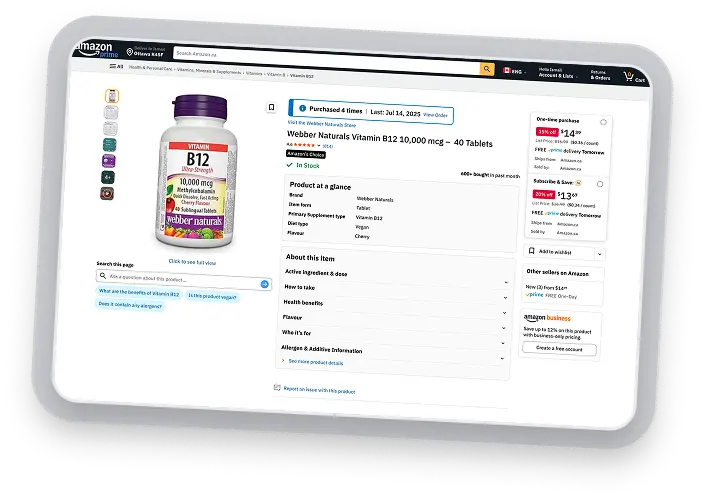
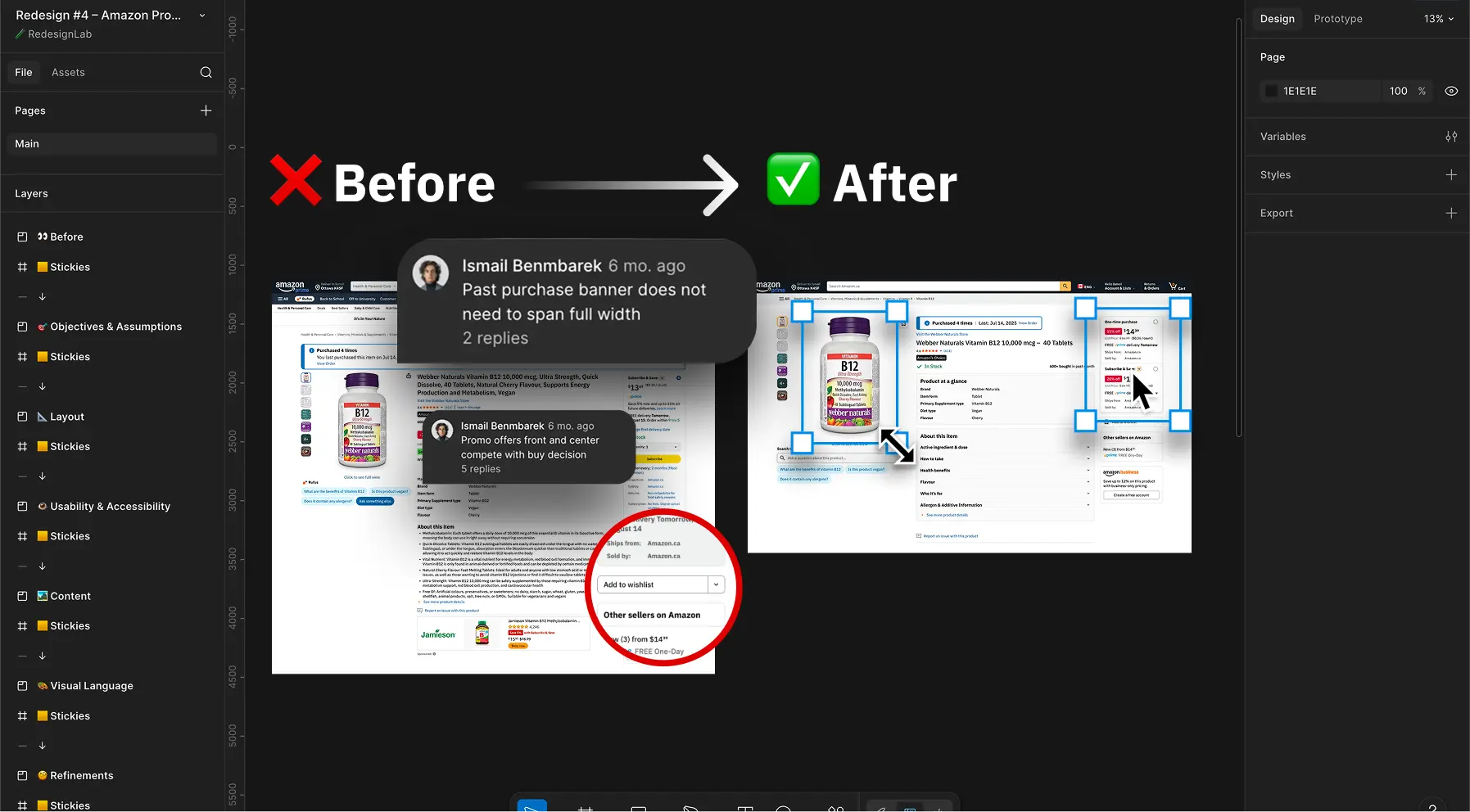
The $500B Page Amazon Refuses to Fix
Rebuilding Amazon’s product page so the buying decision becomes obvious instead of buried under clutter.
.webp)

Uniqlo's Mega Menu Mess
Turning Uniqlo’s chaotic mega menu into a clear navigation system that actually helps users find what they came for.
%20(1).webp)

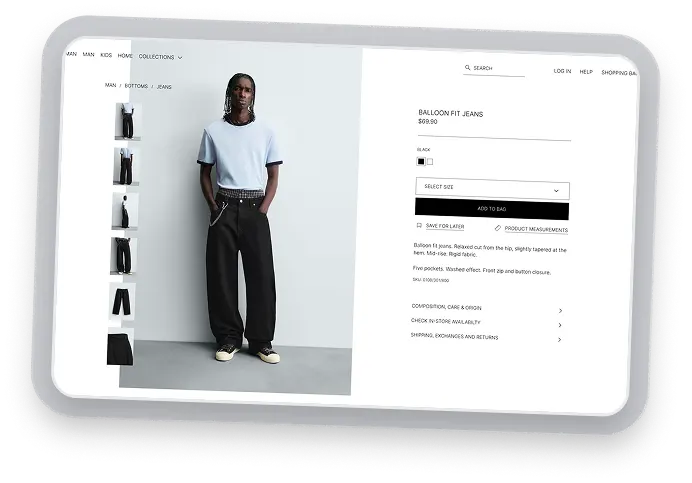
Zara's Tryhard Edgy Minimalism
Fixing Zara’s ultra-minimal product page so the purchase flow becomes clear, readable, and friction-free.
.webp)

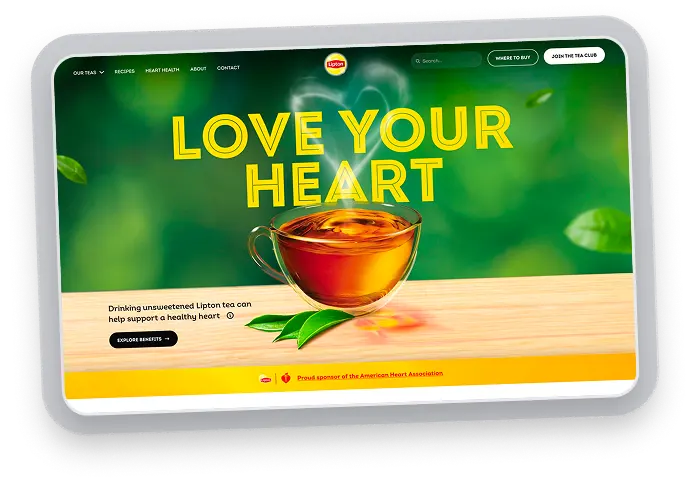
Lipton's homepage is stuck in 2011
Replacing Lipton’s inconsistent homepage with a structured design system and a distinct visual language.



Inside each guided redesign
A step-by-step redesign process annotated directly inside clean, production-level Figma files.
A clear repeating redesign framework
Understanding the current experience, defining objectives, restructuring layout, improving usability, refining content, and shaping visual language.

Every decision explained
Comments and sticky notes throughout the file explain what changed, why it changed, and what problem the change solves.
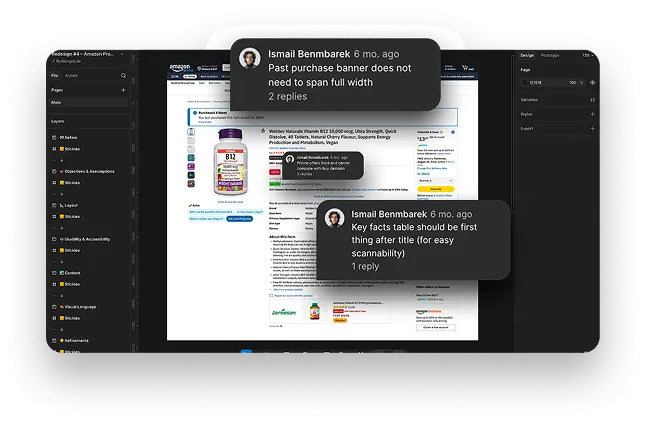
Clean, production-level Figma files
Auto-layout, components, variants, and clear layer naming make the files easy to navigate and study.



What you walk away with
A sharper design eye, clearer reasoning, and the confidence to make better decisions on any interface.
Build layouts that just work
Strategic layouts turn you from “the designer” into the person solving the business problem.
Explain design decisions like a senior designer
Stop saying “this feels better.” Learn how to clearly justify usability and layout choices. Your work doesn’t just look better: you’ll know exactly why it works.

Charge premium rates for your work
When your decisions are deliberate and your reasoning is clear, clients and teams trust you more and your work becomes far easier to justify and price higher.


Hey, I'm Izzy
I spend an unreasonable amount of time judging websites.
I’ve been picking apart websites as part of real work for a while now. In the middle of projects. When decisions mattered. Pointing out the same issues, again and again, across very different sites.
I’ve designed, rebuilt, and audited everything from early-stage startups, e-commerce and personal portfolios to agencies and large institutional sites. I’ve also grown multiple websites from zero to sustained five-figure monthly fully organic traffic.
Along the way, I taught and mentored web design at the University of Ottawa and Flux Academy.
My background is in chemical engineering, which means I don’t approach websites as art projects. I think in systems, constraints, and cause-and-effect. If something isn’t working, there’s always a reason and it’s usually fixable.




.svg)
Never second-guess a design decision again
Learn how to diagnose and build resilient layouts, speak about design confidently, and impress clients & employers.